
wELCOME TO THE scHOOL OF ROCK CAMREL FAMILY!
Thank you for trusting us to provide a world class music education. Here are the first steps to get started.
- Parents or adult students need to create an account in our scheduling/tracking system called Pike 13.
Click the like above "Claim Your Pike 13 Account" or go to carmel-sor.pike13.com/welcome - Enter the email address you used when enrolling and click next.
- You’ll be asked for general information and your birthday (we need for waivers)
- Click FINISH
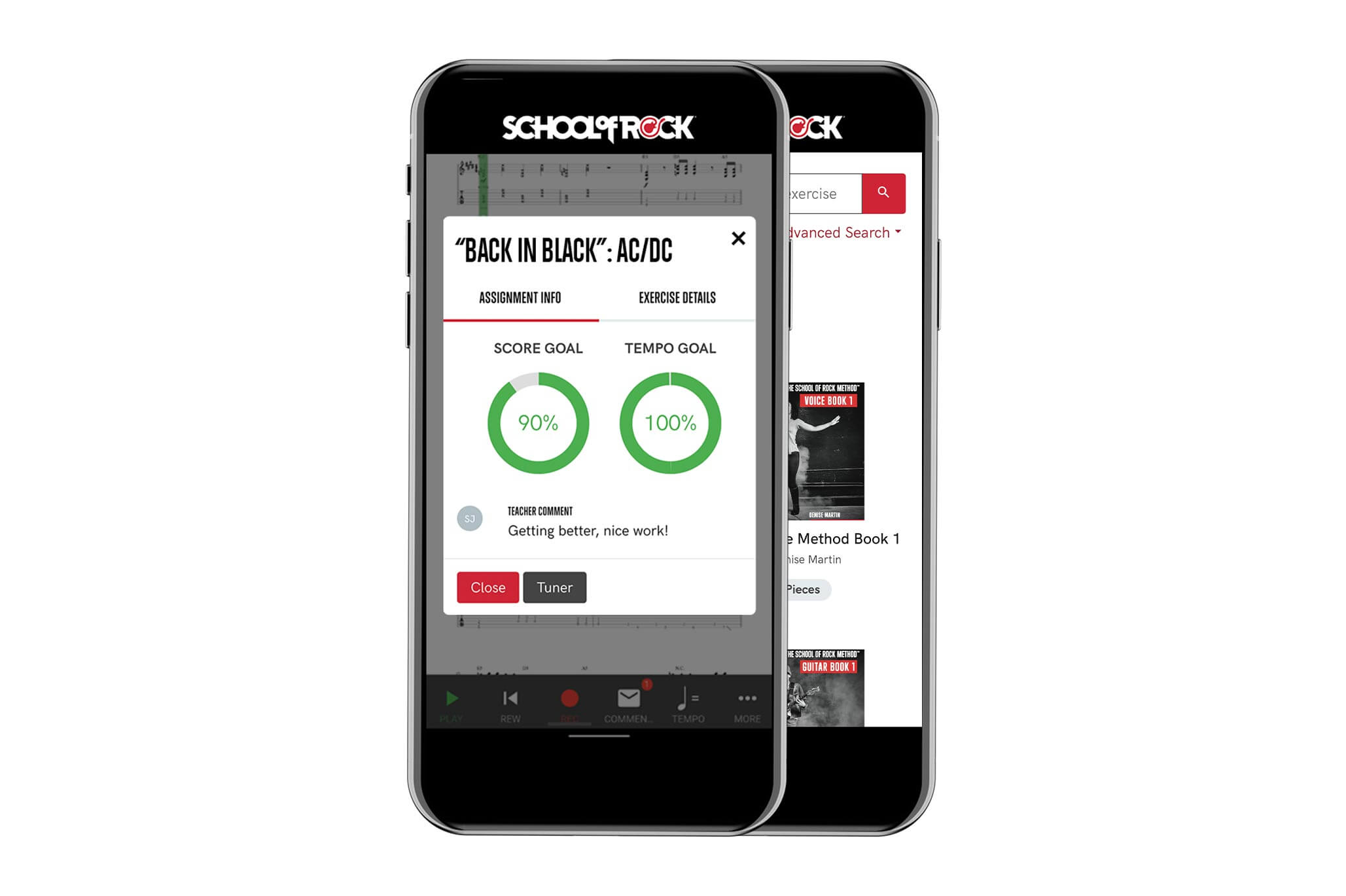
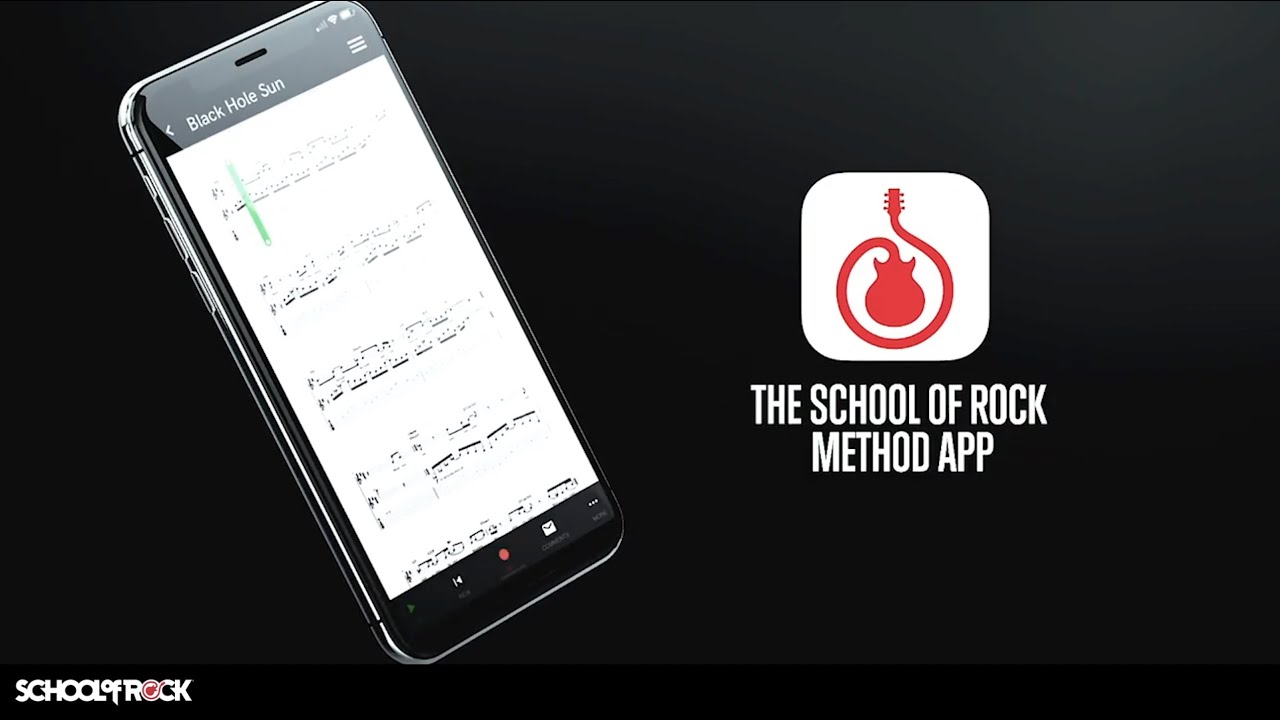
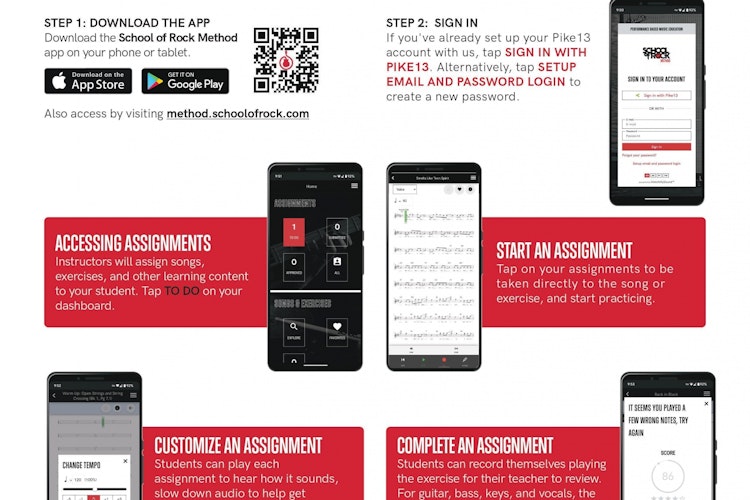
Download the School of Rock Method App on any mobile phone or tablet from the App Store or Google Play.
The School of Rock Method can also be accessed through a Web Browser. We recommend Google Chrome. Paste this into the browser: http://method.schoolofrock.com
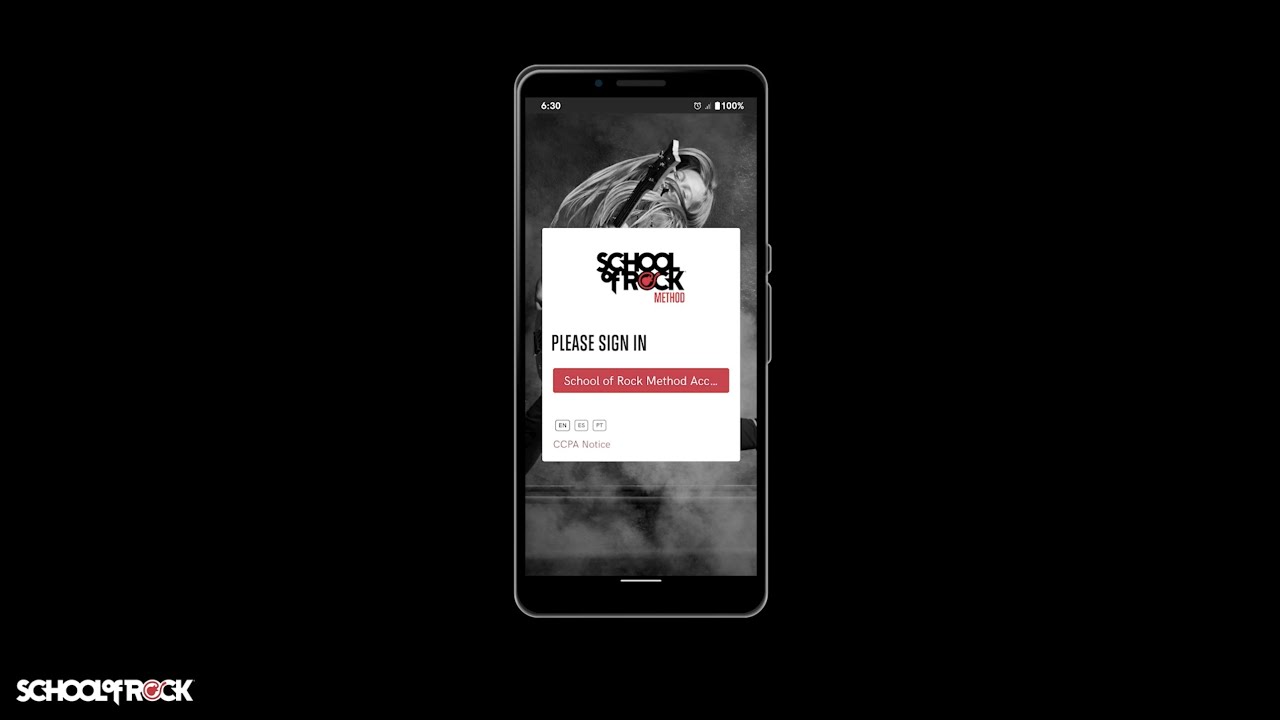
Students log into the School of Rock Method App By clicking on: SIGN IN WITH PIKE 13
Use the email and password the parent set up in Pike 13. (See Screenshots)
Below is a short video about claiming your Pike 13 account.
There are a few documents that need to be signed to get things going. These are set up to help ensure that everyone has a great experience at our school. The documents include: Code of Conduct, Waiver, and our Cancellation and Make-Up Policy. Please make sure that you sign these documents as the guardian unless the student is over 18 years old. You will not have access to the app until all of these documents are signed.
Please call our school or send an email to carmel@schoolofrock.com if you have any questions or obstacles to getting into the Method App! We look forward to rocking out with you soon.